
如何在Android中创建这样的径向梯度
如何在Android中创建这样的径向梯度
提问于 2019-03-19 09:39:33
我想创建一个像这样的梯度,但是:
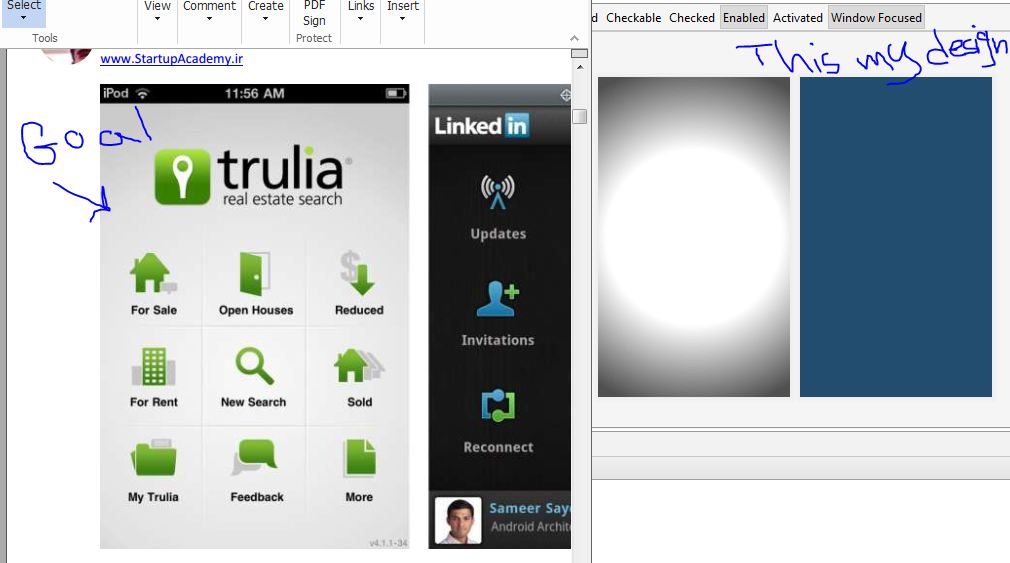
左梯度是我的目标,梯度右梯度是我的梯度,这是我的梯度代码xml:
<?xml version="1.0" encoding="utf-8"?>
<shape xmlns:android="http://schemas.android.com/apk/res/android"
android:shape="rectangle" >
<gradient
    android:centerColor="#ffffff"
    android:endColor="#4f4f4f"
    android:gradientRadius="700"
    android:startColor="#ffffff"
    android:type="radial" >
</gradient>
请帮助创建像左图片thx这样的渐变。
编辑:在真实的设备中,我的梯度显示为白色。Edit2 :这些梯度,我的朋友帖子可以,但颜色在目标梯度,没有显示在真实的设备,没有替代的方式?
回答 2
Stack Overflow用户
回答已采纳
发布于 2019-03-19 09:43:16
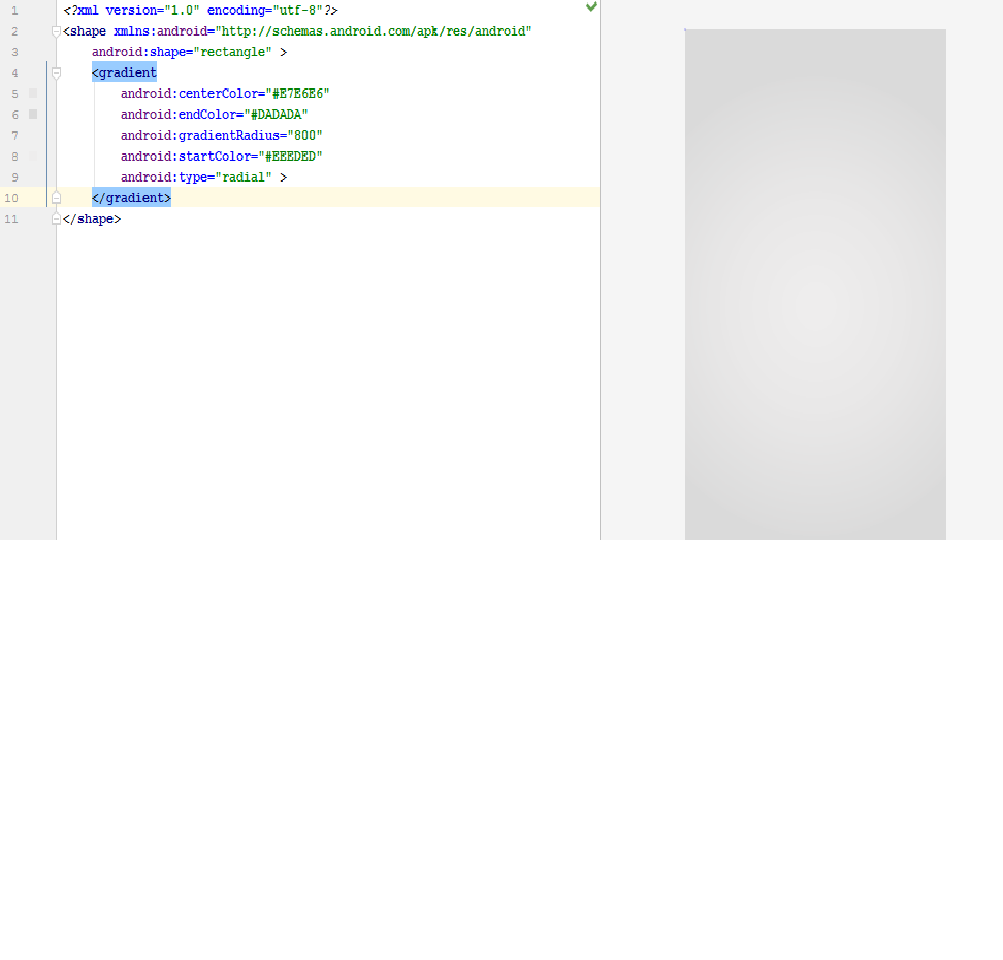
这样做:
   <?xml version="1.0" encoding="utf-8"?>
   <shape xmlns:android="http://schemas.android.com/apk/res/android"
       android:shape="rectangle" >
       <gradient
            android:centerColor="#E7E6E6"
            android:endColor="#DADADA"
            android:gradientRadius="800"
            android:startColor="#EEEDED"
            android:type="radial" >
       </gradient>
   </shape>
截图:
Stack Overflow用户
发布于 2019-03-19 09:45:49
下面是一个工具,您可以使用它来设计任何可绘制的工具
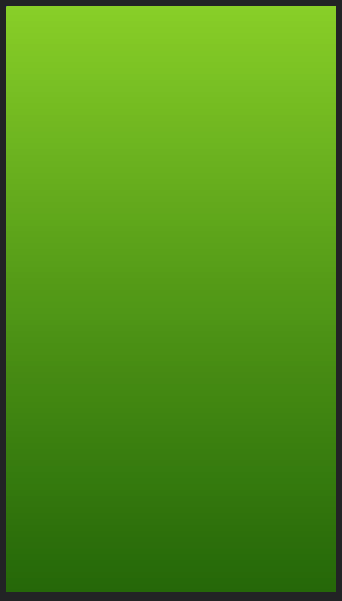
尝尝这个
<?xml version="1.0" encoding="utf-8"?>
<shape xmlns:android="http://schemas.android.com/apk/res/android"
    android:shape="rectangle" >
    <gradient
        android:type="linear"
        android:startColor="#FF2d7706"
        android:endColor="#FF98d434"
        android:angle="90"/>
</shape>
页面原文内容由Stack Overflow提供。腾讯云小微IT领域专用引擎提供翻译支持
原文链接:
https://stackoverflow.com/questions/55237768
复制相关文章
相似问题
腾讯云开发者

Copyright © 2013 - 2026 Tencent Cloud. All Rights Reserved. 腾讯云 版权所有
深圳市腾讯计算机系统有限公司 ICP备案/许可证号:粤B2-20090059  粤公网安备44030502008569号
腾讯云计算(北京)有限责任公司 京ICP证150476号 | 京ICP备11018762号