
生成失败-无法解决.无法解决项目
生成失败-无法解决.无法解决项目
提问于 2018-10-30 08:12:26
我使用的是安卓工作室版本的3.2.1。我已经采取以下回购作为一个克隆和导入该项目的AS。
在构建项目时,Android将显示以下错误消息。
Unable to resolve dependency for ':app@debug/compileClasspath': Could
not resolve project :xdk-ui.
Open File
Show Details


Unable to resolve dependency for
':app@debugAndroidTest/compileClasspath': Could not resolve project
:xdk-ui.
Open File
Show Details


Unable to resolve dependency for
':app@debugUnitTest/compileClasspath': Could not resolve project :xdk-
ui.
Open File
Show Details


Unable to resolve dependency for ':app@release/compileClasspath':
Could not resolve project :xdk-ui.
Open File
Show Details


Unable to resolve dependency for
':app@releaseUnitTest/compileClasspath': Could not resolve project
:xdk-ui.
Open File
Show Details
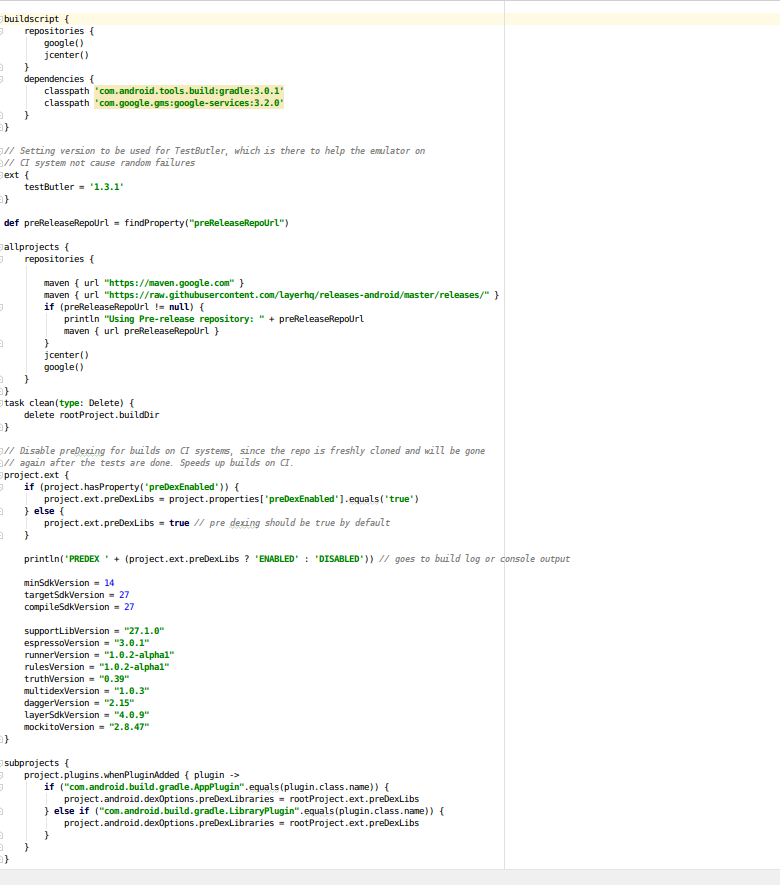
分级文件
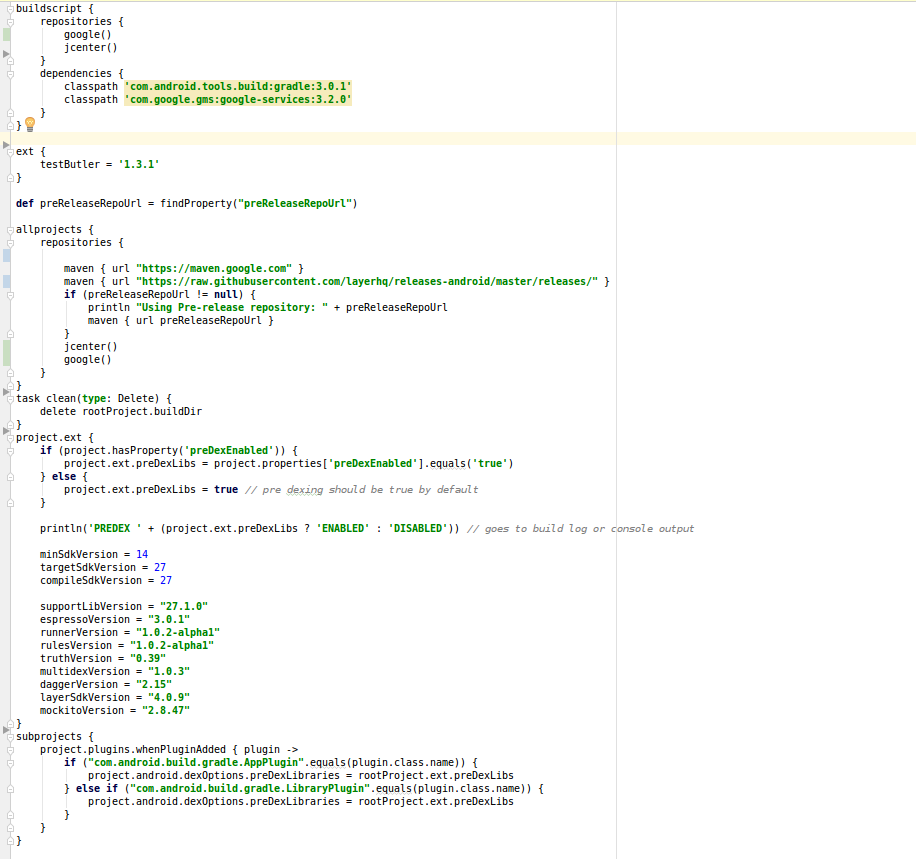
build.gradle
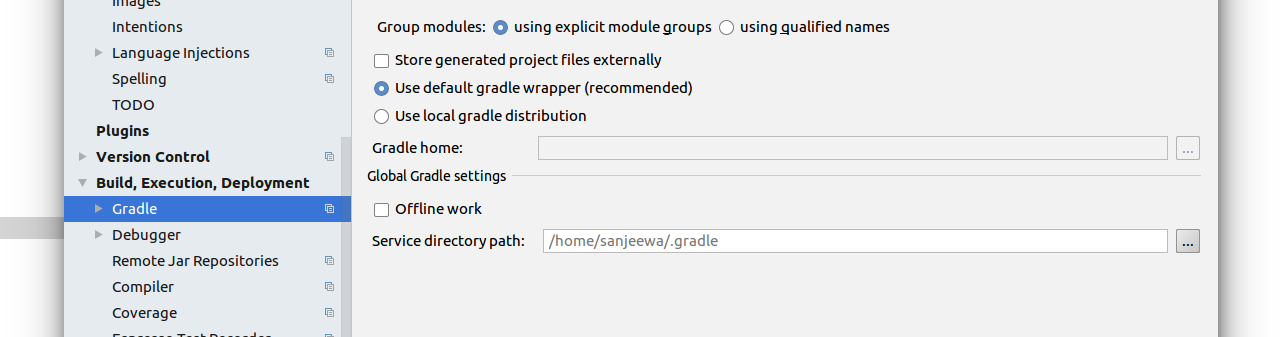
我已经检查了连接到互联网的Android的在线状态。
请帮帮忙。
回答 2
Stack Overflow用户
回答已采纳
发布于 2018-10-30 09:06:11
我认为您有一个不完整的项目,您试图使用的项目中有XDK(命名为Android@ 22ea7b0)作为一个模块,您必须从这里下载https://github.com/layerhq/Android-XDK/tree/22ea7b0bc0f944522dfeb1b3c07f049d9c9bef2b并粘贴它,然后导入它,然后编译它就可以了。
Stack Overflow用户
发布于 2018-10-30 08:35:02
你能做的就是
第一个选项是,使缓存/重新启动无效,然后在项目级别的build.gradle文件中进行如下更改,
buildscript {
    repositories {
        jcenter()
        google()
        maven {
           url "https://maven.google.com"
        }
    }

    dependencies {
        classpath 'com.android.tools.build:gradle:3.1.4'
    }
}

allprojects {
    repositories {
        google()
        jcenter()
        maven {
           url "https://maven.google.com"
        }
    }
}
如上面所示,更改您的存储库。
或的第二个选项是,您可能已经禁用了internet连接。因此,要启用它,请转到File > Settings > Build、Execution、Deployment > Gradle >取消选中脱机工作。
我想这能解决你的问题。
页面原文内容由Stack Overflow提供。腾讯云小微IT领域专用引擎提供翻译支持
原文链接:
https://stackoverflow.com/questions/53059913
复制相关文章
相似问题
腾讯云开发者

Copyright © 2013 - 2026 Tencent Cloud. All Rights Reserved. 腾讯云 版权所有
深圳市腾讯计算机系统有限公司 ICP备案/许可证号:粤B2-20090059  粤公网安备44030502008569号
腾讯云计算(北京)有限责任公司 京ICP证150476号 | 京ICP备11018762号