
代码标签中的行高
代码标签中的行高
提问于 2015-06-10 07:04:01
我有以下标记:
<!DOCTYPE html>
<head>
  <style>
  #article * {
    line-height: 2;
  }

  #article pre code {
    line-height: 1;
  }
  </style>
</head>
<body>
<div id="article">
  <pre>
    <code>
!LOOP
.formula U|xiindex = U|xiindex + 1
.. U|xiindex ausgeben:
'U|xiindex'
    </code>
  </pre>
</div>
</body>
</html>
css的#article pre code-part中的行高度属性似乎没有任何效果。我在这里做错什么了?
编辑
截图:完整css:
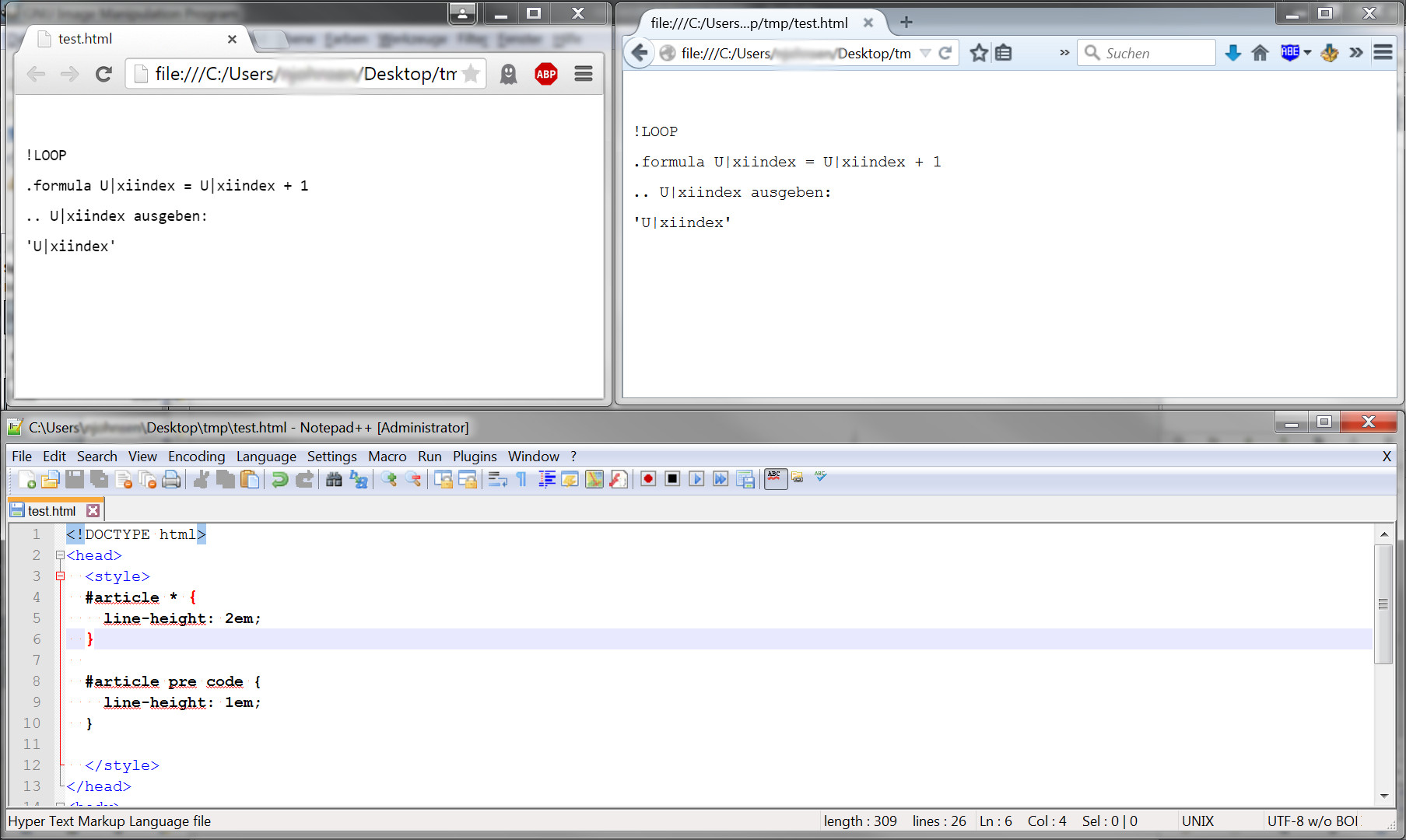
第二次评论:
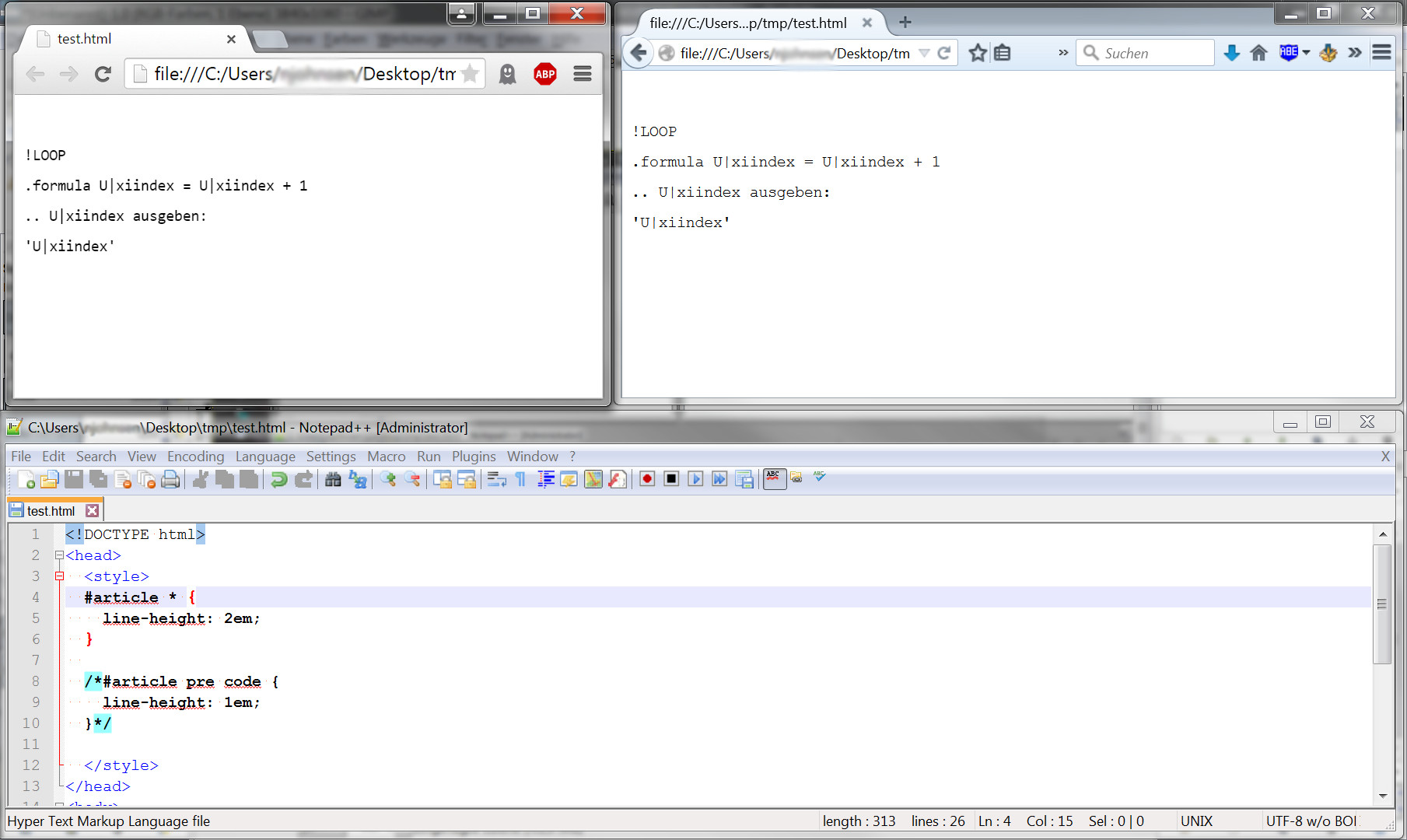
回答 2
Stack Overflow用户
回答已采纳
发布于 2015-06-10 09:04:06
这解释得更好..。https://developer.mozilla.org/en-US/docs/Web/CSS/line-height
#文章是块级元素,因此下面的代码为其中的内联元素设置了最小行高。在这种情况下,它是"2“。
#article > * {
    line-height: 2;
}
下一个代码,将未替换的内联元素" code“的行高设置为"1",但由于父元素设置的最小值为"2”,因此将被忽略或淹没。因此,只有当您将其设置得更高时,您才会注意到一个更改。
#article pre code {
    line-height: 1;
}
设置显示:如下所示的块或内联块将设置自己的最小值,并阻止它继承父行高度。
#article pre code {
    display:inline-block;
    line-height: 1;
}Stack Overflow用户
发布于 2015-06-10 07:40:26
经过一些研究,我仍然没有明确的理由,但至少,我发现这似乎与code标签有关。
所以,我想出了一个解决办法:
  #article > * {
    line-height: 2;
  }

  #article pre {
    line-height: 1;
}<div id="article">
<pre>
<code>
!LOOP
.formula U|xiindex = U|xiindex + 1
.. U|xiindex ausgeben:
'U|xiindex'
</code>
</pre>
</div>
页面原文内容由Stack Overflow提供。腾讯云小微IT领域专用引擎提供翻译支持
原文链接:
https://stackoverflow.com/questions/30749318
复制相关文章
相似问题
腾讯云开发者

Copyright © 2013 - 2026 Tencent Cloud. All Rights Reserved. 腾讯云 版权所有
深圳市腾讯计算机系统有限公司 ICP备案/许可证号:粤B2-20090059  粤公网安备44030502008569号
腾讯云计算(北京)有限责任公司 京ICP证150476号 | 京ICP备11018762号