
游戏平台2D中的敌人运动
在我的第一个项目中工作,我正试图使敌人的移动排序,下面的代码是我当前的实现。敌人使用玩家位置( The t.pos.x)和他们的pos.x之间的距离。要敌人向左移动20步,然后改变方向,向右移动20步,冲洗并重复。
self.target = game.player
def movement(self):
    self.acc = vec(0, BOSS_GRAVITY)
    if (-17 >= (self.pos.x - self.target.pos.x) >= -200) and self.target.hit_rect.y == self.hit_rect.y:
        self.vel.x -= BOSS_SPEED * -1
        self.enemy_direction = 'R'

    if (200 >= (self.pos.x - self.target.pos.x) >= 17) and self.target.hit_rect.y == self.hit_rect.y:
        self.vel.x += BOSS_SPEED * -1
        self.enemy_direction = 'L'
self.acc.x += self.vel.x * BOSS_FRICTION

    self.vel += self.acc
    self.pos += self.vel
    self.pos += self.vel + 0.5 * self.acc
我希望我的敌人向右移动一定数量,然后改变速度,走相反的路,而不是无所事事。
回答 1
Stack Overflow用户
发布于 2020-06-30 00:27:20
,我要敌人向左移动20步,然后改变方向,向右移动20步,冲洗并重复。
好吧,那我们怎么实现呢?首先是一些定义:
什么是“步调”?让我们从5 pixels开始。左边是-x,右边是+x。
还有一些额外的事情要处理。当物体不能朝想要的方向移动时呢?它可以turn around。
所以我们需要保存一堆关于这个敌人的数据:位置,步数,旅行方向。一旦你有了一些数据点,想想:数据结构。现在,我将把所有这些都放到Python类中,但是它也可以放在一个简单的列表中。但是,这些数据的数量超过几个点,就变得难以处理了。
# As a list
enemy_image = pygame.image.load( "doomba.png" ).convert_alpha()
enemy_rect  = enemy_image.get_rect()
enemy_rect.center = ( x, y )
enemy1 = [ enemy_rect, enemy_image, PACE_SIZE, TURN_SIZE ]
作为一门课要好得多:
# As a sprite class
class Enemy( pygame.sprite.Sprite ):
    def __init__( self, x, y, bitmap, pace=5, turn_after=20 ):
            """ Create a new Enemy at that is drawn at (x,y) as the /bitmap/.
                It moves /pace/ pixels each step, left, then right     """
        pygame.sprite.Sprite.__init__( self )
        self.image = pygame.image.load( bitmap ).convert_alpha()
        self.rect  = self.image.get_rect()
        self.rect.center = ( x, y )         # location
        self.pace_size   = pace             # How big each step is
        self.pace_count  = 0                # distance moved
        self.direction   = -1               # Start moving left (-x)
        self.turn_after  = turn_after       # distance limit
(我基于PyGame Sprite创建了数据结构,因为它只需2行代码,并提供了大量预先构建的功能。)
现在我们有了一个数据结构(名为Enemy),它包含一个位置、大小、位图,并记住它走了多远,以及往哪个方向走。然而,它还没有实现任何类型的移动算法。所以让我们加上这个。
Sprite类希望将此算法写入名为update()的函数中。这个函数被称为每一个帧,以决定该帧的移动。这可能是不动,或者别的什么。它可以是任何东西。
在这里您可以看到,我们正在计算移动到self.pace_count中的步数,然后调整位图的x位置(以self.rect表示),以步长(self.pace_size)表示。如果敌人向左移动,则需要减去速度大小,并对右移动,补充道。我们可以通过将self.direction添加的数量乘以-1或1来自动完成这一任务。每当敌人掉头时,方向值就会被设定。
    def update( self ):
        """ Implement the movement algorithm """
        # Walk pace in the current direction
        self.pace_count += 1
        self.rect.x     += self.direction * self.pace_size     # Move some pixels

        # We need to turn around if walked enough paces in the same direction
        if ( self.pace_count >= self.turn_after ):
            # Turn around!
            self.direction *= -1           # reverses the pixel distance
            self.pace_count = 0            # reset the pace count

        # We also should change direction if we hit the screen edge
        if ( self.rect.x <= 0 ):
            self.direction  = 1             # turn right
            self.pace_count = 0
        elif ( self.rect.x >= WINDOW_WIDTH - self.rect.width ):
            self.direction  = -1
            self.pace_count = 0
因此,当敌人走过设定的步数时,方向被颠倒,步数被调零。但如果我们击中屏幕的一侧,我们也需要掉头。当这种情况发生时,只有一种明显的转向方式,因此方向是绝对改变的,而不是被逆转的。这段代码可能会变得更简单,因为它每次都做几乎相同的事情。但是,为了清楚地说明所涉及的步骤,我留了更长的时间。
而且,这个算法已经实现了。看着一个演示,它太快了。所以让我们也加入一个实时的速度。
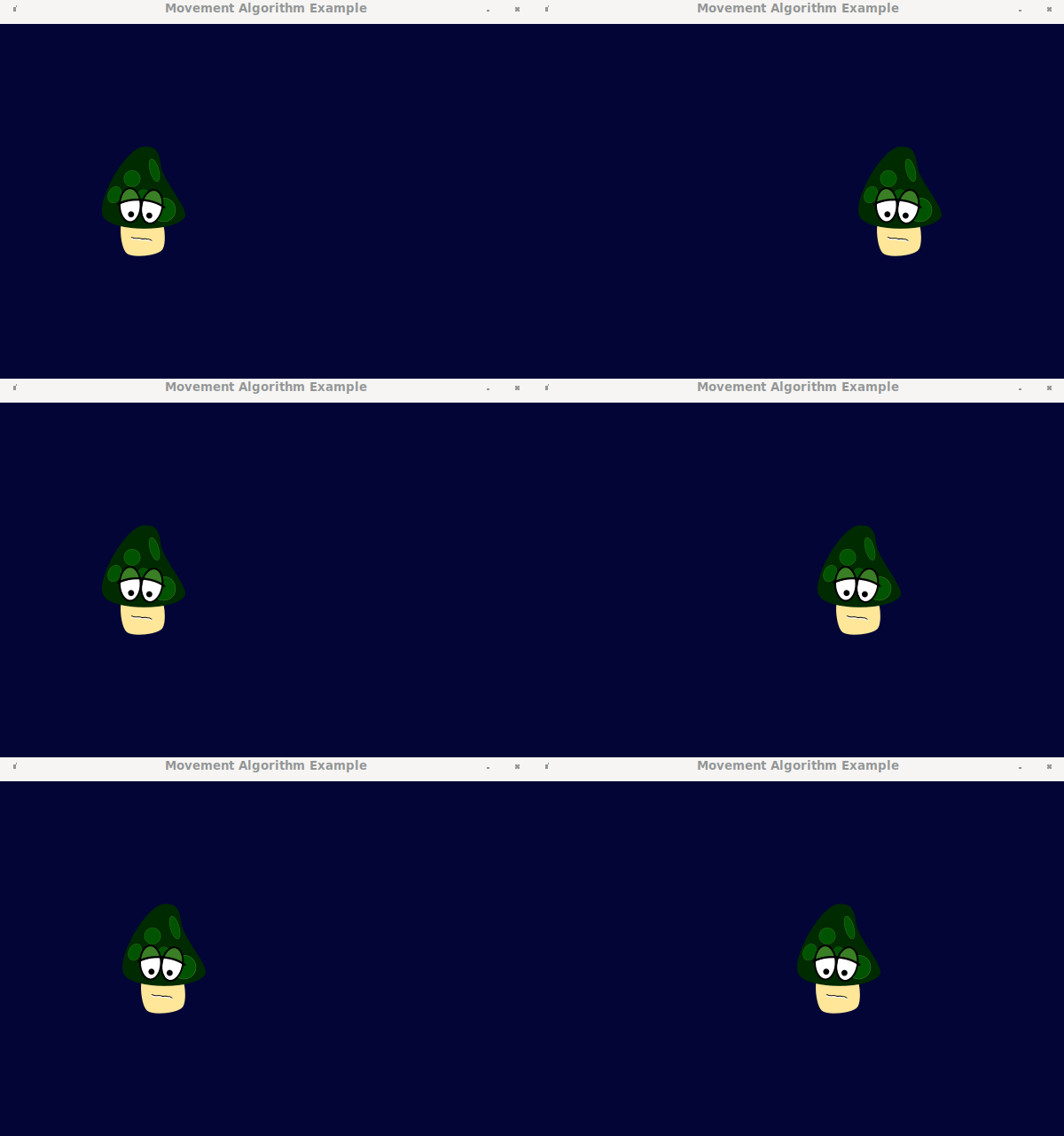
控制移动速度的一个简单方法是在两步之间加一个延迟。首先决定敌人移动的频率(例如:每100毫秒一次),存储在self.speed中,然后在self.pace_time中执行最后一步。然后,当需要更新时,请查看PyGame时钟,看看是否已经过了足够的毫秒,然后才移动敌人。否则什么也不做。
def update( self ):
    """ Implement the movement algorithm """
    time_now = pygame.time.get_ticks()               # what time is it
    if ( time_now > self.pace_time + self.speed ):   # time to move again?
        self.pace_time = time_now                    # remember move time

        # Walk pace in the current direction
self.pace_count += 1这给了更多的镇静运动。我调整敌人,使其更频繁地移动,但以较小的步伐。因此,现在它也没有那么多地穿过窗户。控制速度是时间而不是帧速率的函数,这一点很重要。例如,如果我将pace大小的0.2像素设置在上面,肯定会减慢速度。但只有在我的电脑上才准确。如果帧速率只有21 FPS,那么它突然又慢了2/3。如果帧速率是160 FPS呢?它会恢复到超快的状态,就是这样。因此,保持任何速度和运动控制的实时毫秒,而不是帧速率和距离。
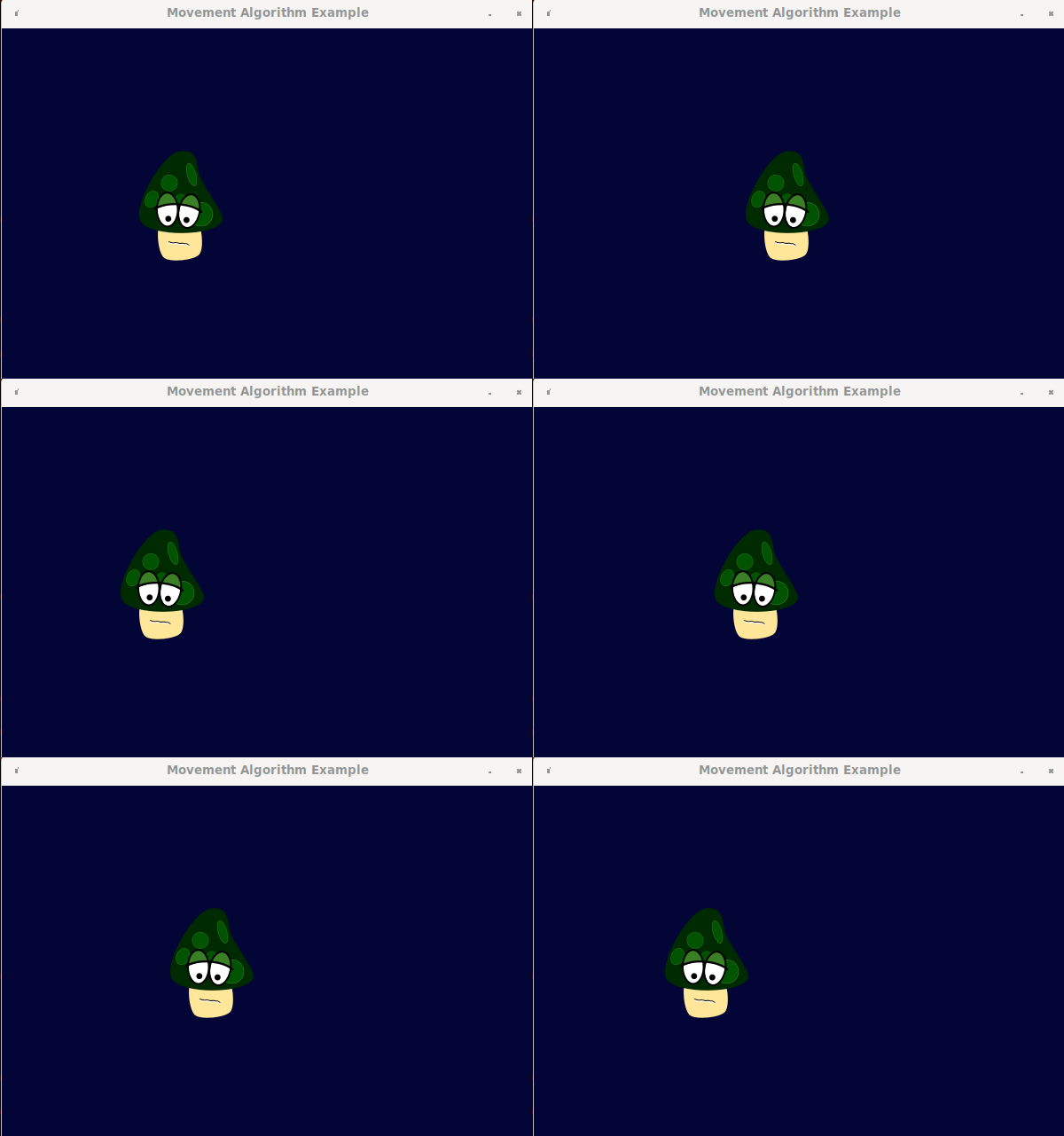
无论如何,这应该足以让你开始你自己的运动算法。如果有关于密码的问题,请评论。
参考代码:
import pygame

# Window size
WINDOW_WIDTH    = 600
WINDOW_HEIGHT   = 400
WINDOW_SURFACE  = pygame.HWSURFACE|pygame.DOUBLEBUF

DARK_BLUE = (   3,   5,  54)

class Enemy( pygame.sprite.Sprite ):
    def __init__( self, x, y, pace, bitmap, turn_after=20, speed=100 ):
        """ Create a new Enemy at that is drawn at (x,y) as the /bitmap/.
            It moves /pace/ pixels left, then right   """
        pygame.sprite.Sprite.__init__( self )
        self.image = pygame.image.load( bitmap ).convert_alpha()
        self.rect  = self.image.get_rect()
        self.rect.center = ( x, y )         # location
        self.pace_size   = pace             # How big each step is
        self.pace_count  = 0                # distance moved
        self.direction   = -1               # Start moving left (-x)
        self.turn_after  = turn_after       # distance limit
        self.speed       = speed            # Milliseconds per pace
        self.pace_time   = 0                # time of last step

    def update( self ):
        """ Implement the movement algorithm """
        time_now = pygame.time.get_ticks()               # what time is it
        if ( time_now > self.pace_time + self.speed ):   # is it time to move again
            self.pace_time = time_now

            # Walk pace in the current direction
            self.pace_count += 1
            self.rect.x     += self.direction * self.pace_size     # Move some pixels

            # We need to turn around if walked enough paces in the same direction
            if ( self.pace_count >= self.turn_after ):
                # Turn around!
                self.direction *= -1           # reverses the pixel distance
                self.pace_count = 0            # reset the pace count

            # We also should change direction if we hit the screen edge
            if ( self.rect.x <= 0 ):
                self.direction  = 1             # turn right
                self.pace_count = 0
            elif ( self.rect.x >= WINDOW_WIDTH - self.rect.width ):
                self.direction  = -1
                self.pace_count = 0


### initialisation
pygame.init()
pygame.mixer.init()
window = pygame.display.set_mode( ( WINDOW_WIDTH, WINDOW_HEIGHT ), WINDOW_SURFACE )
pygame.display.set_caption("Movement Algorithm Example")

### Sprite and Sprite Group
pos_x     = WINDOW_WIDTH//2
pos_y     = WINDOW_HEIGHT//2
pace_size = 7
enemy = Enemy( pos_x, pos_y, pace_size, "mushroom.png" )

all_sprites_group = pygame.sprite.Group()
all_sprites_group.add( enemy )


### Main Loop
clock = pygame.time.Clock()
done = False
while not done:

    # Handle user-input
    for event in pygame.event.get():
        if ( event.type == pygame.QUIT ):
            done = True
        elif ( event.type == pygame.MOUSEBUTTONUP ):
            # On mouse-click
            pass
        elif ( event.type == pygame.KEYUP ):
            pass

    # Movement keys
    #keys = pygame.key.get_pressed()
    #if ( keys[pygame.K_UP] ):
    #    print("up")

    # Update the window, but not more than 60fps
    all_sprites_group.update()
    window.fill( DARK_BLUE )
    all_sprites_group.draw( window )
    pygame.display.flip()

    # Clamp FPS
    clock.tick_busy_loop(60)

pygame.quit()https://stackoverflow.com/questions/62616001
复制相似问题
腾讯云开发者

Copyright © 2013 - 2026 Tencent Cloud. All Rights Reserved. 腾讯云 版权所有
深圳市腾讯计算机系统有限公司 ICP备案/许可证号:粤B2-20090059  粤公网安备44030502008569号
腾讯云计算(北京)有限责任公司 京ICP证150476号 | 京ICP备11018762号