
只有一些从YouTube API中获取的嵌入式SpaceX视频不会在浏览器中加载。
只有一些从YouTube API中获取的嵌入式SpaceX视频不会在浏览器中加载。
提问于 2021-03-23 14:02:12
我有一个网页显示从SpaceX API:SpaceX API中提取的数据
发布网站:盖茨比SpaceX数据
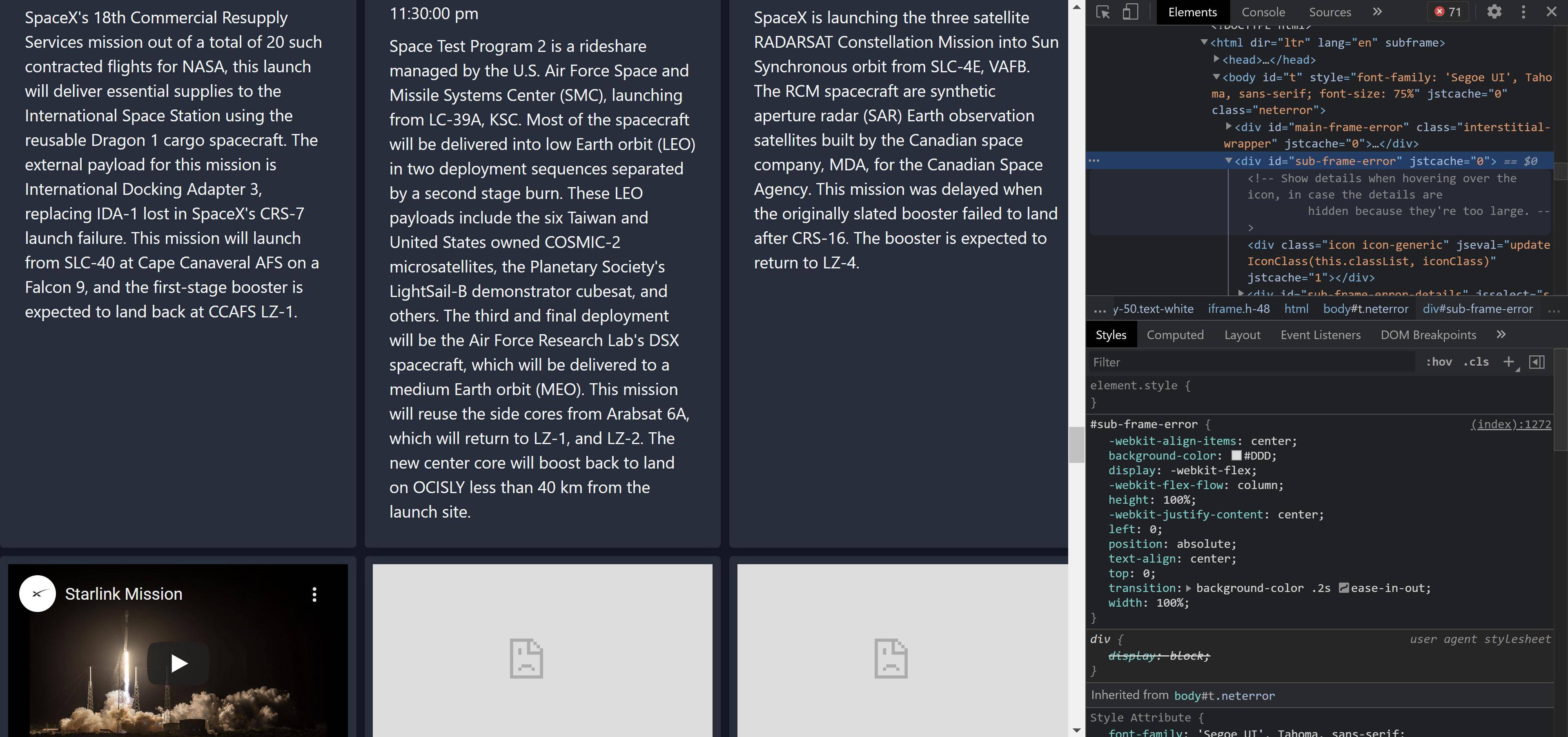
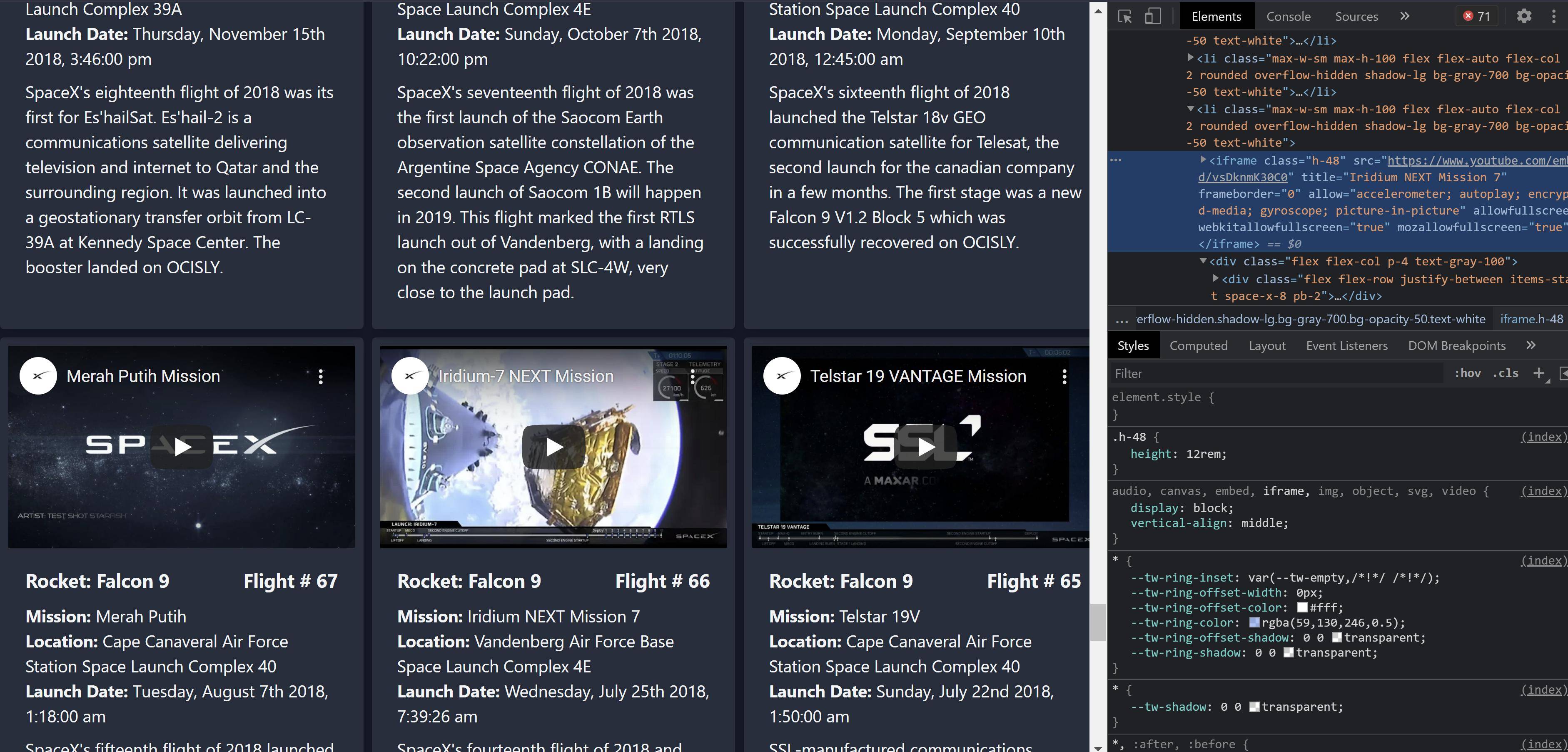
我试图为pastLaunches组件中的每一个发布显示一个youtube嵌入。我在浏览器中收到了以下错误:“拒绝显示”,因为它将“X-框架选项”设置为“same原产地”。我已经尝试过调整我的配置文件(netlify.toml),但是到目前为止还没有什么效果。我也只收到这个错误的视频,拒绝加载。同样,有些视频也会加载。看起来,那些不起作用的视频也没有从watch/转为embed/。我有点新的反应,还没有处理这个级别的功能,任何提示,我继续研究是有帮助的!
下面是我使用youtube链接的部分:
{links.video_link
                ? <iframe
                className="h-48"
            src={links.video_link && links.video_link.replace('watch?v=', 'embed/')}
            title={mission_name}
            frameBorder={0}
            allow={"accelerometer; autoplay; encrypted-media; gyroscope; picture-in-picture"}
            allowFullScreen={true}
            webkitallowfullscreen="true"
            mozallowfullscreen="true"
          />
          : <p>Sorry, no Youtube video is available</p>
            }
以下是完整的组件:
import React, { useState, useEffect }  from 'react'
import moment from "moment"
import "../styles/tailwind.css"

const getPastLaunches = () => {
  return fetch('https://api.spacexdata.com/v3/launches/past?limit=50&sort=flight_number&order=desc')
  .then((res) => res.json())
}

const PastLaunches = () => {
  const [launches, setLaunches] = useState(null)


  useEffect(() => {
    getPastLaunches()
      .then(setLaunches)
  }, [])

  if (launches === null) {
    return <p>Loading past launches...</p>
  }

  return (
    <>
    <div className="flex flex-row justify-center items-end mx-auto mt-20 mb-4 overflow-x-visible">
        <h1 className="text-white text-2xl font-mono font-bold border-b-8 border-blue-600 mr-2" style={{lineHeight: .45}}>Recent Launches  </h1>
                <svg width="20" height="20" xmlns="http://www.w3.org/2000/svg" fill="none" viewBox="0 0 24 24" stroke="#ffffff">
          <path strokeLinecap="round" strokeLinejoin="round" strokeWidth={4} d="M19 14l-7 7m0 0l-7-7m7 7V3"  />
        </svg>
    </div>


    <ul className="grid py-2 lg:grid-cols-3 md:grid-cols-2 md:gap-2 mx-auto">
    {launches.map(launch => {
        const {flight_number, details, mission_name, launch_date_local, links, rocket, launch_site} = launch;

      return (
        <li className="max-w-sm max-h-100 flex flex-auto flex-col p-2 rounded overflow-hidden shadow-lg bg-gray-700 bg-opacity-50 text-white">
            {links.video_link
                ? <iframe
                className="h-48"
            src={links.video_link && links.video_link.replace('watch?v=', 'embed/')}
            title={mission_name}
            frameBorder={0}
            allow={"accelerometer; autoplay; encrypted-media; gyroscope; picture-in-picture"}
            allowFullScreen={true}
            webkitallowfullscreen="true"
            mozallowfullscreen="true"
          />
          : <p>Sorry, no Youtube video is available</p>
            }


        <div className="flex flex-col p-4 text-gray-100">
            <div className="flex flex-row justify-between items-start space-x-8 pb-2">
                <h1 className="font-bold text-lg">Rocket: {rocket.rocket_name}</h1>

              <strong className="text-lg">Flight # {flight_number}</strong>

            </div>

              <p><strong>Mission: </strong>{mission_name}</p>
              <p><strong>Location: </strong>{launch_site.site_name_long}</p>


              <p><strong>Launch Date: </strong>{moment(launch_date_local).format("dddd, MMMM Do YYYY, h:mm:ss a")}</p>

              {details
                ? <p className="pt-2">{details}</p>
          : <em className="text-sm pt-2">I'm sorry, no details are available for this launch</em>
            }

      </div>
        </li>
      );
    })}

  </ul>
</>

  )
}

export default PastLaunches
我现在的netlify.toml:
[build]
  functions = "/root"

[[headers]]
  # Define which paths this specific [[headers]] block will cover.
  for = "/*"
    [headers.values]
    Access-Control-Allow-Origin = "*"
    cache-control = '''
    max-age=0,
    no-cache,
    no-store,
    must-revalidate'''
以下是错误的屏幕截图:
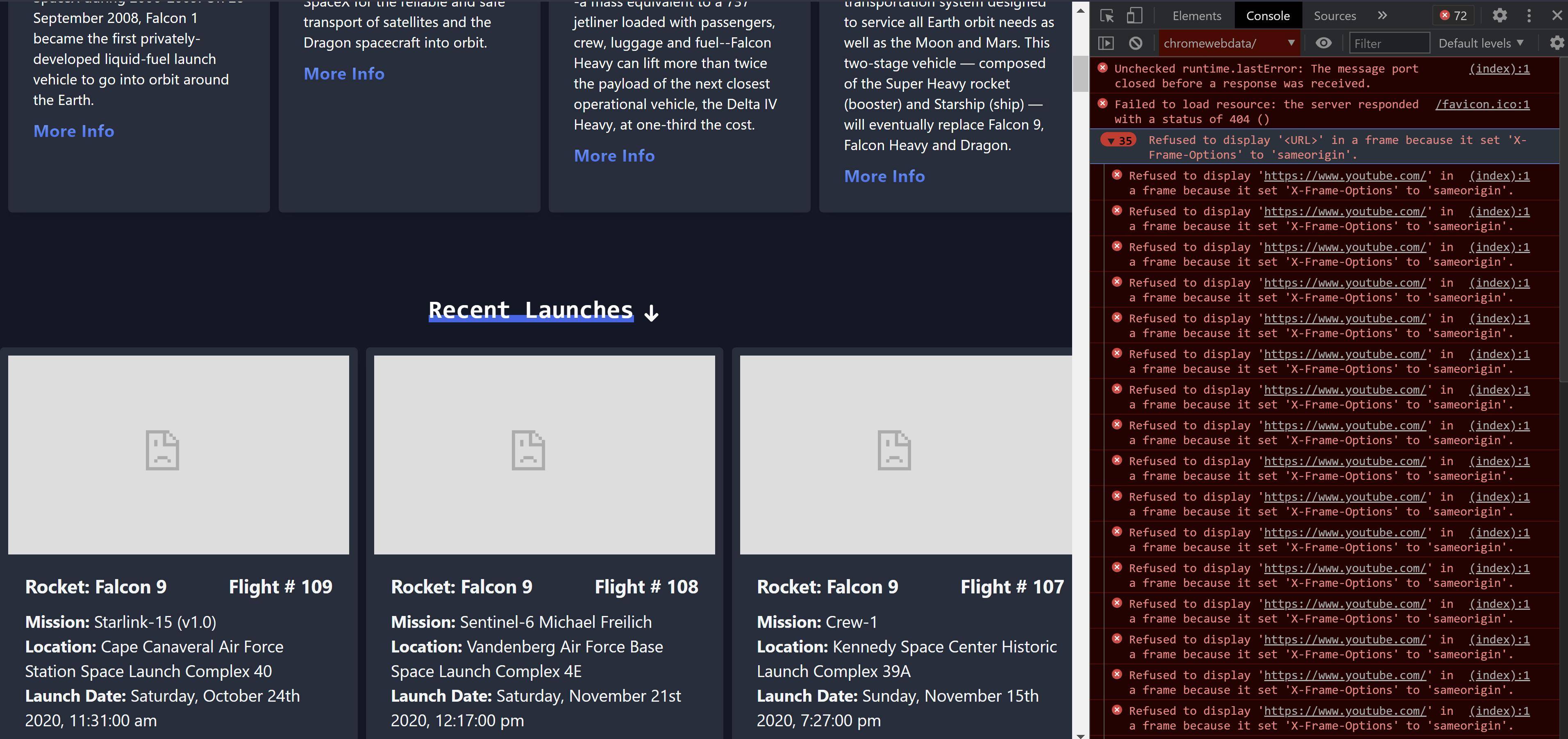
破碎视频的错误消息:
成功录影带:
回答 1
Stack Overflow用户
回答已采纳
发布于 2021-03-23 16:52:54
我怀疑SpaceX已经禁用了他们的一些视频的嵌入。X-Frame-Options header告诉浏览器可以通过帧嵌入内容的位置。sameorigin值可以防止嵌入到检索内容的域名以外的域名上。
页面原文内容由Stack Overflow提供。腾讯云小微IT领域专用引擎提供翻译支持
原文链接:
https://stackoverflow.com/questions/66764718
复制相关文章
相似问题
腾讯云开发者

Copyright © 2013 - 2026 Tencent Cloud. All Rights Reserved. 腾讯云 版权所有
深圳市腾讯计算机系统有限公司 ICP备案/许可证号:粤B2-20090059  粤公网安备44030502008569号
腾讯云计算(北京)有限责任公司 京ICP证150476号 | 京ICP备11018762号