
如何在列/行中包装小部件以避免黄/黑溢出行?
这是我的代码(完整的项目代码:https://github.com/mitchkoko/responsivedesign):
import 'package:flutter/material.dart';

class MyDesktopBody extends StatelessWidget {
  const MyDesktopBody({Key? key}) : super(key: key);

  @override
  Widget build(BuildContext context) {
    return Scaffold(
      backgroundColor: Colors.deepPurple[200],
      appBar: AppBar(
        title: Text('D E S K T O P'),
      ),
      body: Padding(
        padding: const EdgeInsets.all(8.0),
        child: Row(
          children: [
            // First column
            Expanded(
              child: Column(
                children: [
                  // youtube video
                  Padding(
                    padding: const EdgeInsets.all(8.0),
                    child: AspectRatio(
                      aspectRatio: 16 / 9,
                      child: Container(
                        color: Colors.deepPurple[400],
                      ),
                    ),
                  ),

                  // comment section & recommended videos
                  Expanded(
                    child: ListView.builder(
                      itemCount: 8,
                      itemBuilder: (context, index) {
                        return Padding(
                          padding: const EdgeInsets.all(8.0),
                          child: Container(
                            color: Colors.deepPurple[300],
                            height: 120,
                          ),
                        );
                      },
                    ),
                  )
                ],
              ),
            ),

            // second column
            Padding(
              padding: const EdgeInsets.all(8.0),
              child: Container(
                width: 200,
                color: Colors.deepPurple[300],
              ),
            )
          ],
        ),
      ),
    );
  }
}
当我扩展窗口大小时,会得到以下错误:
呈现库╞═════════════════════════════════════════════════════════捕获的
═╡异常在布局期间抛出以下断言:底部的RenderFlex溢出19个像素。相关的导致错误的小部件是:
列Column:file:///C:/Users/A/Documents/Bandicam/codes/responsivedesign/lib/responsive/desktop_body.dart:20:22 lib\responsive\desktop_body.dart:20检查这个小部件在颤振DevTools,访问:http://127.0.0.1:9104/#/inspector?uri=http%3A%2F%2F127.0.0.1%3A3204%2FHgeC4zFKEKs%3D&inspectorRef=inspector-0溢出RenderFlex有一个Axis.vertical的方向。在呈现中,RenderFlex的边缘已经被标记为黄色和黑色的条纹图案。这通常是由于RenderFlex的内容太大而造成的。考虑应用一个factor (例如,使用一个扩展的小部件)来迫使RenderFlex的子部件适应可用的空间,而不是按照它们的自然大小进行调整。这被认为是一个错误条件,因为它表明有一些内容是不可见的。如果内容比可用空间大得多,那么在将其放入flex之前,考虑使用ClipRect小部件来剪裁它,或者使用可滚动的容器,而不是像ListView那样的Flex。所讨论的具体RenderFlex是: RenderFlex#84a04 relayoutBoundary=up7 OVERFLOWING: renderer creator: LayoutId-<_ScaffoldSlot.body> MediaQuery CustomMultiChildLayout AnimatedBuilder DefaultTextStyle AnimatedDefaultTextStyle _InkFeatures GlobalKey#34509油墨渲染器parentData: offset=Offset(0.0,0.0);flex=1;fit=FlexFit.tight (可使用大小)约束: BoxConstraints(w=1173.6,0.0<=h<=648.0)大小:大小(1173.6,648.0)
方向:垂直mainAxisAlignment:启动mainAxisSize:最大值
crossAxisAlignment: verticalDirection: down
我知道问题的原因是因为以下扩展的小部件,因为通过删除它将消除错误:
Expanded(
  child: ListView.builder(
    itemCount: 8,
    itemBuilder: (context, index) {
      return Padding(
        padding: const EdgeInsets.all(8.0),
        child: Container(
          color: Colors.deepPurple[300],
          height: 120,
        ),
);回答 3
Stack Overflow用户
发布于 2022-07-31 20:19:10
使用aspectRatio: 16 / 9,的问题。当屏幕宽度变大,保持高宽比时,会导致溢出。
您可以使用ConstrainedBox包装并通过最小化填充来提供maxHeight。
class MyDesktopBody extends StatelessWidget {
  const MyDesktopBody({Key? key}) : super(key: key);

  @override
  Widget build(BuildContext context) {
    return Scaffold(
      backgroundColor: Colors.deepPurple[200],
      appBar: AppBar(
        title: Text('D E S K T O P'),
      ),
      body: LayoutBuilder(
        builder: (context, constraints) => Padding(
          padding: const EdgeInsets.all(8.0),
          child: Row(
            children: [
              // First column
              Expanded(
                child: Column(
                  children: [
                    // youtube video
                    ConstrainedBox(
                      constraints: BoxConstraints(
                        maxHeight: constraints.maxHeight - 16,
                      ),
                      child: Padding(
                        padding: const EdgeInsets.all(8.0),
                        child: AspectRatio(
                          aspectRatio: 16 / 9,
                          child: Container(
                            color: Colors.deepPurple[400],
                          ),
                        ),
                      ),
                    ),

                    // comment section & recommended videos
                    Expanded(
                      child: ListView.builder(
                        itemCount: 8,
                        itemBuilder: (context, index) {
                          return Padding(
                            padding: const EdgeInsets.all(8.0),
                            child: Container(
                              color: Colors.deepPurple[300],
                              height: 120,
                            ),
                          );
                        },
                      ),
                    )
                  ],
                ),
              ),

              // second column
              Padding(
                padding: const EdgeInsets.all(8.0),
                child: Container(
                  width: 200,
                  color: Colors.deepPurple[300],
                ),
              )
            ],
          ),
        ),
      ),
    );
  }
}Stack Overflow用户
发布于 2022-07-31 20:26:10
在列中添加了一个扩展小部件,直到它有空间时才会抛出错误。当您扩展屏幕时,宽高比小部件随着尺寸的增加而增长,将下面的项推到屏幕外,从而导致错误。您可以使用此布局代替。
return Scaffold(
  child: Row(
   children: [
     Flexible(
      child: SingleChildScrollView (
       child: Column(
        mainAxisSize : MainAxisSize.min,
        children: [
          Container(
            constrain : BoxConstrain(
              maxHeight : 600,
            ),
           child: AspectRatio(),
          ),
         //Other widgets
        ]
       )
      )
     ),
     SizedBox(
       width: 200,
       child: ListView.builder()
     )
   ]
  )
);
在这里,这两个部分都可以单独滚动。也不会有溢出错误
Stack Overflow用户
发布于 2022-08-01 07:52:31
您也可以这样做:用展开的第二个Column包装,并给它flex,也可以给第一个Column提供flex。
以下是代码:
进口‘包装:颤振/材料。飞镖’;
class MyDesktopBody extends StatelessWidget {
  const MyDesktopBody({Key? key}) : super(key: key);

  @override
  Widget build(BuildContext context) {
      return  Scaffold(
  backgroundColor: Colors.deepPurple[200],
  appBar: AppBar(
    title: Text('D E S K T O P'),
  ),
  body: Padding(
    padding: const EdgeInsets.all(8.0),
    child: Row(
      children: [
        // First column
        Expanded(
          flex:3,
          child: Column(
            children: [
              // youtube video
              Expanded(
                child: Padding(
                  padding: const EdgeInsets.all(8.0),
                  child: Container(
                    color: Colors.deepPurple[400],
                  ),
                ),
              ),

              // comment section & recommended videos
              Flexible(
                child: ListView.builder(
                  itemCount: 8,
                  shrinkWrap: true,
                  itemBuilder: (context, index) {
                    return Padding(
                      padding: const EdgeInsets.all(8.0),
                      child: Container(
                        color: Colors.deepPurple[300],
                        height: 120,
                      ),
                    );
                  },
                ),
              )
            ],
          ),
        ),

        // second column
        Expanded(
          flex:1,
          child: Padding(
            padding: const EdgeInsets.all(8.0),
            child: Container(
              color: Colors.deepPurple[300],
            ),
          ),
        )
      ],
    ),
  ),
);
}
产出:
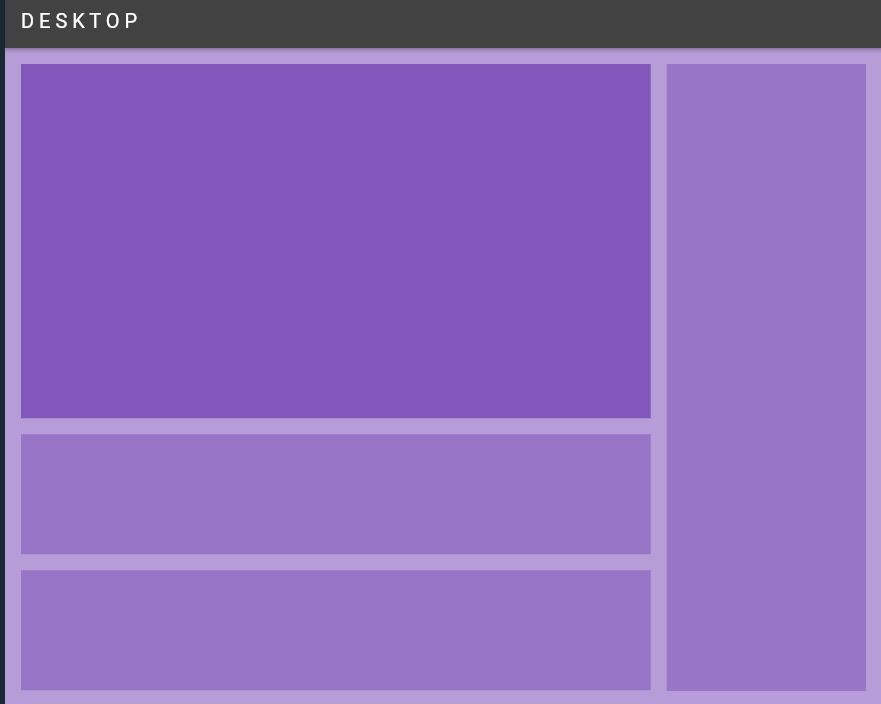
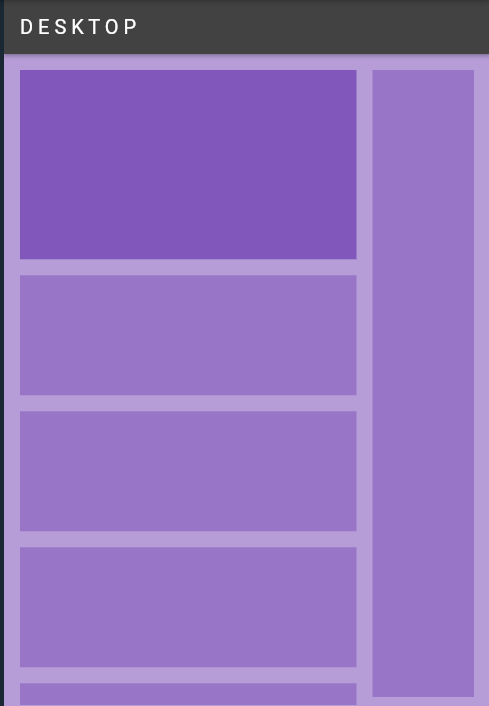
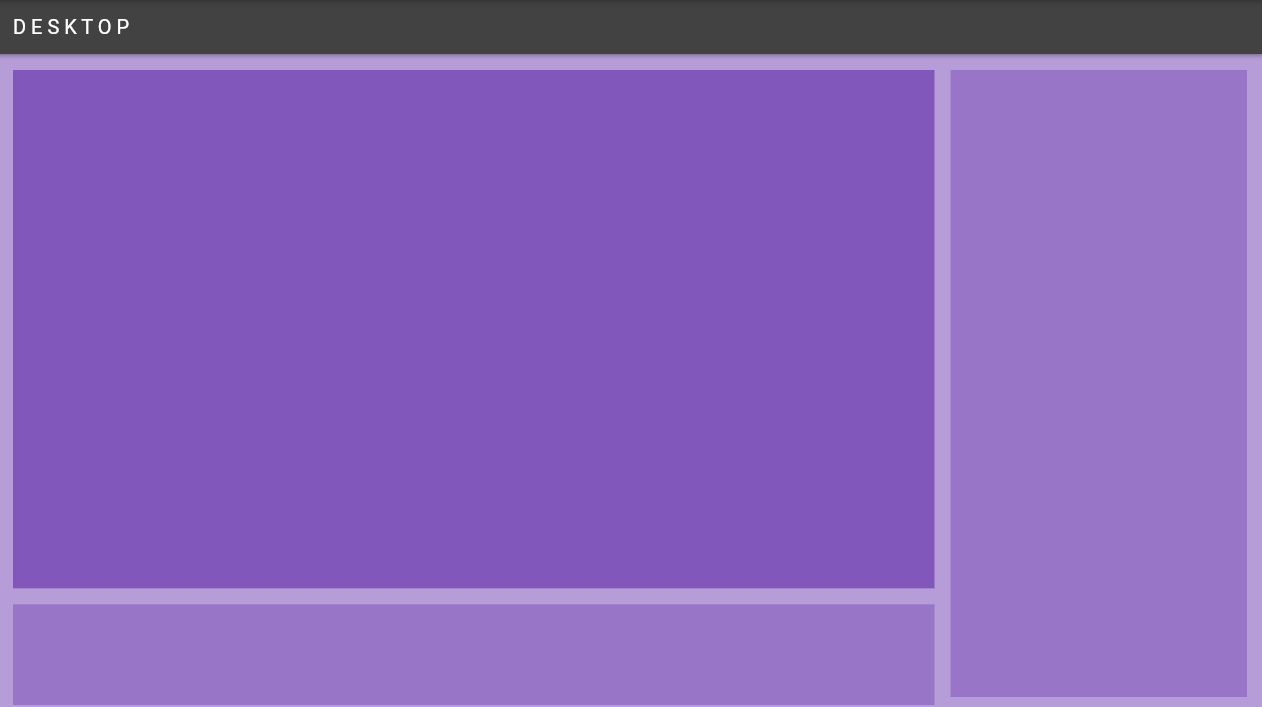
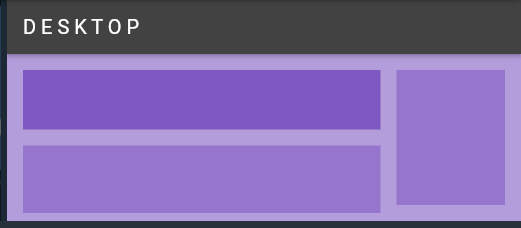
编辑:
https://stackoverflow.com/questions/73186507
复制相似问题
腾讯云开发者

Copyright © 2013 - 2026 Tencent Cloud. All Rights Reserved. 腾讯云 版权所有
深圳市腾讯计算机系统有限公司 ICP备案/许可证号:粤B2-20090059  粤公网安备44030502008569号
腾讯云计算(北京)有限责任公司 京ICP证150476号 | 京ICP备11018762号