java: create pdf password using itextpdf 5.x and bouncycastle Library

java: create pdf password using itextpdf 5.x and bouncycastle Library

geovindu
发布于 2026-06-18 21:50:46
发布于 2026-06-18 21:50:46
/**
		 * 有密码的文件  https://www.viralpatel.net/password-protect-pdf-itext-java/
		 * https://github.com/viralpatel/
		 * com.itextpdf:itextpdf:5.5.4
		 * https://mvnrepository.com/artifact/com.itextpdf/itextpdf/5.5.4
		 *	org.bouncycastle:bcprov-jdk15on:1.51
		 *   https://mvnrepository.com/artifact/org.bouncycastle/bcprov-jdk15on
		 *	org.bouncycastle:bcpkix-jdk15on:1.51
         *   https://mvnrepository.com/artifact/org.bouncycastle/bcpkix-jdk15on
		 *	iText-5.2.1.jar
		 *	bcmail-jdk16-1.46.jar  https://mvnrepository.com/artifact/org.bouncycastle/bcmail-jdk16/1.46
		 *	bcprov-jdk16-1.46.jar  https://mvnrepository.com/artifact/org.bouncycastle/bcprov-jdk16/1.46
		 *	bctsp-jdk16-1.46.jar https://mvnrepository.com/artifact/org.bouncycastle/bctsp-jdk16/1.46
		 * @author geovindu 涂聚文 Geovin Du
		 * @param fileurl
		 * @param userPassWord
		 * @param OwnerPassWord
		 *
		 * */
		public static void CreatePdfPassword(String fileurl,String userPassWord,String OwnerPassWord)
		{
			try {

	           // OutputStream file = new FileOutputStream(new File(fileurl));

	            Document document = new Document();
	            PdfWriter writer = PdfWriter.getInstance(document, new FileOutputStream(fileurl));

	            writer.setEncryption(userPassWord.getBytes(), OwnerPassWord.getBytes(),
	                  PdfWriter.ALLOW_PRINTING, PdfWriter.ENCRYPTION_AES_128);
	            //writer.createXmpMetadata();
	            document.open();

	            document.addTitle("涂聚文 PDF");
		        document.addSubject("Using iText");
		        document.addKeywords("Java, PDF, iText");
		        document.addAuthor("geovindu,涂聚文");
		        document.addCreator("geovindu,涂聚文");


	            document.add(new Paragraph("Hello World, iText,涂聚文,你好!你的Java世界!",subFont));
	            document.add(new Paragraph(new Date().toString()));

	            document.close();
	            //file.close();

	        } catch (Exception e) {

	            e.printStackTrace();
	        }

	        System.out.println("OK.");

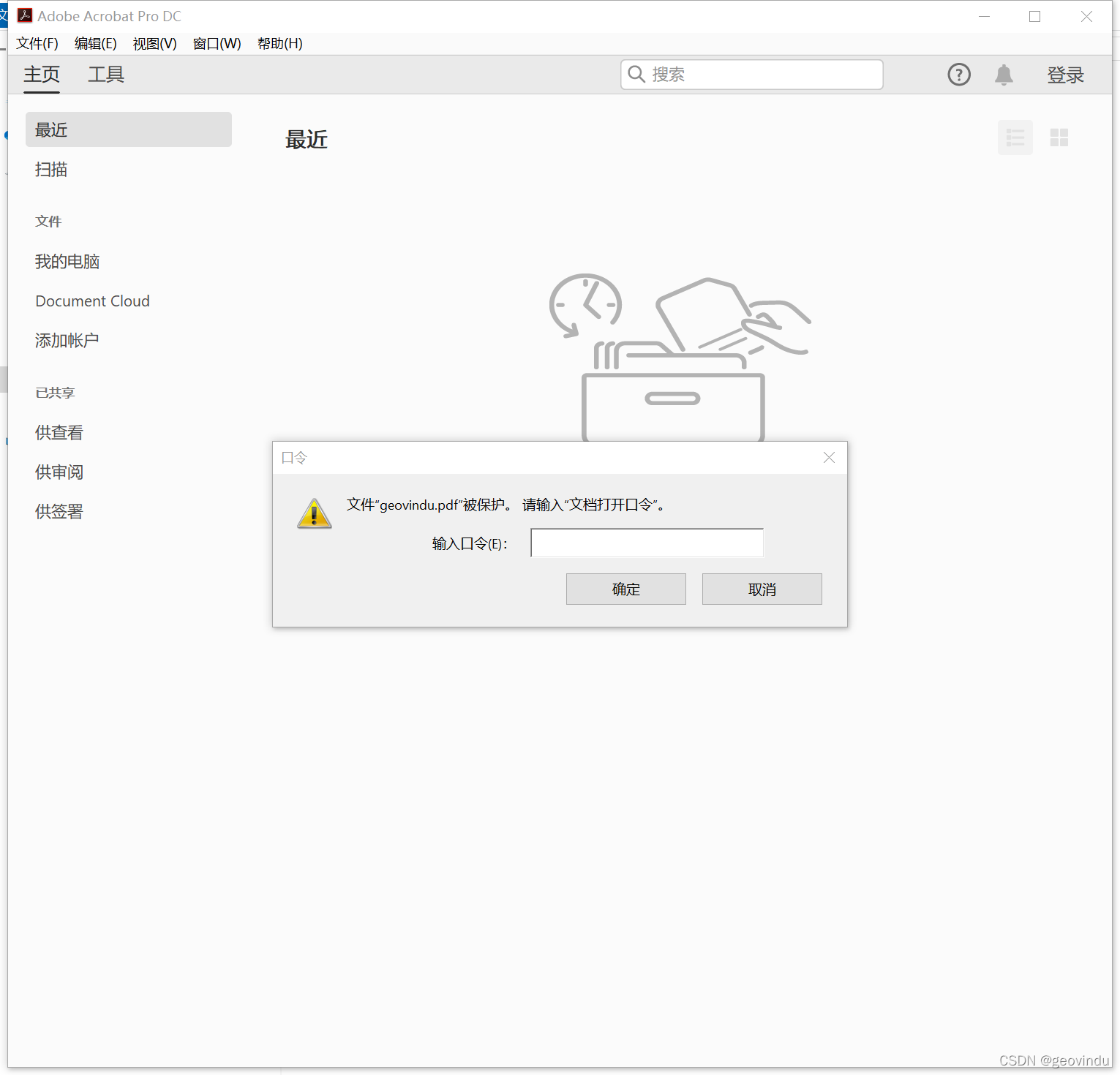
		}
本文参与 腾讯云自媒体同步曝光计划,分享自作者个人站点/博客。
原始发表:2022-01-22,如有侵权请联系 cloudcommunity@tencent.com 删除
腾讯云开发者

Copyright © 2013 - 2026 Tencent Cloud. All Rights Reserved. 腾讯云 版权所有
深圳市腾讯计算机系统有限公司 ICP备案/许可证号:粤B2-20090059  粤公网安备44030502008569号
腾讯云计算(北京)有限责任公司 京ICP证150476号 | 京ICP备11018762号